

Glad to report we just came down from a 3 hour co-op Kenshi run; never thought we’d see it in our lifetime.
Edit: Ran another 2 hours, and I’ve got good news – its running even better.
To top it off – we used a 64 59 mod steam collection… I mean really what more could a Scorchlander want?
Sharing this with everyone while it’s hot off the press. Easy access guide & links down below ->
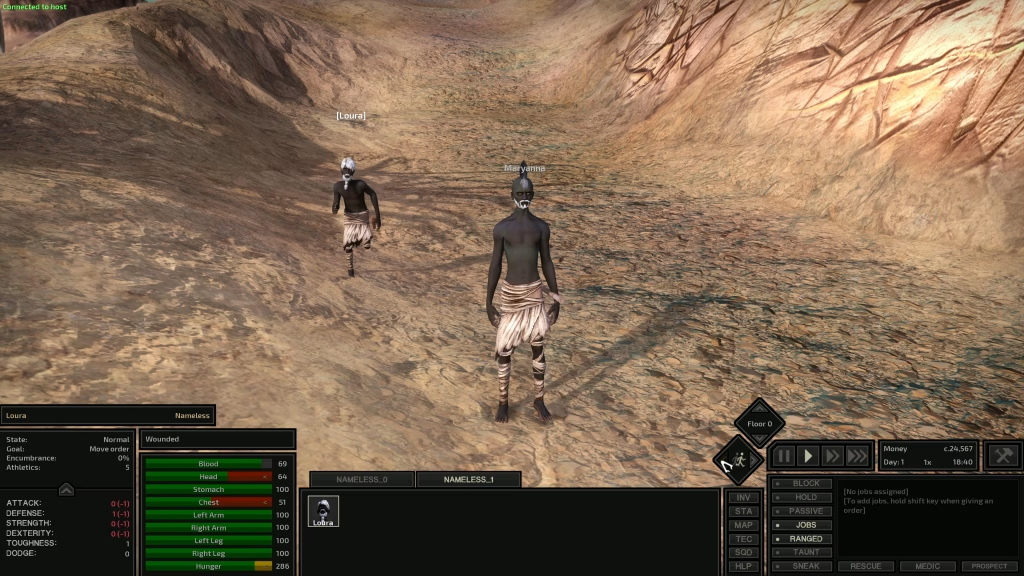
Updated October 2026: Checked the mod pages again. The co-op mod is still on v0.51 and reKenshi is up to 0.3.5. I added the exact versions, the install order, how to host & join, and fixes for when it acts up.
HOW TO MAKE IT WORK – both players do this
- First- make sure Kenshi is installed on your machine and you know how to find it’s installation location & the mods folder.
- Second- download reKenshi through Nexus
- Third- download the co-op mod .zip pack from github.
Each of the downloads have setup instruction – follow them to a T – they tell you where to put what and how to put files in your /mods folder accordingly.
If its your first time working with mods this will feel harder than it is, don’t give up – the on page instructions are great for both reKenshi & the co-op mod pack. Ask questions and I’ll help you out if i can!
What you need (October 2026)
- Kenshi 1.0.65 on Steam. Same version on both PCs.
- reKenshi 0.3.1 or newer (0.3.5 is current). Use its installer. If it worked, the reKenshi version shows up on Kenshi’s main menu.
- KenshiCoop v0.51, the KenshiCoop-kit.zip from the latest release. Both of you need the exact same release. v0.50 and v0.51 won’t even shake hands.
- Steam running & online on both machines. That’s the whole network setup. No port forwarding, no IP addresses.
Heads up – the dev calls it a work in progress. Expect some desyncs and the odd crash. It’s built for two players.
Install order (both players)
- Install reKenshi with its installer, start Kenshi and check for the reKenshi version on the main menu.
- Download KenshiCoop-kit.zip. If Windows blocks it, right-click > Properties > Unblock, then extract.
- Copy the KenshiCoop folder into your Kenshi mods folder. You should end up with mods\KenshiCoop\KenshiCoop.dll inside your Kenshi folder.
- Subscribe to the same mods as your partner. My collection below makes that easy.
- Launch Kenshi, turn on KenshiCoop in the Mods menu and set your load order. We run KenshiCoop #1 & Dust #2.
The GitHub page has a setup & demo video too, if you’d rather watch it done first.
Host & join with the F2 panel
No config files, no launcher scripts. It all happens in game.
- Both players hit F2. The co-op panel works right from the main menu.
- Swap Steam IDs. Each of you clicks Copy my Steam ID and sends it over Discord or Steam chat. Copy your friend’s, then click Paste friend’s Steam ID. It forgets when you relaunch, so re-paste every session.
- Leave Transport on STEAM. Easy one.
- Host: load your save or start a new game. Set Role: HOST and flip Connection to ONLINE.
- Joiner: stay on the main menu. Set Role: JOIN and flip Connection to ONLINE. The host’s world streams over and you load right in. You don’t need their save file.
- Watch the status banner in the top-left corner. Flip Connection to OFFLINE when you’re done.
Host runs squad 1, joiner runs squad 2. You see each other’s squads but only control your own. Only one squad in your save? Split a few characters into a second squad tab.
Starting fresh? Pick Multiplayer (Wanderer x2) from the new game list. Two wanderers, already split into two squads. Multiplayer+ (Wanderer x2) is the same start with 500,000 cats & 50 in every stat. Kenshi purists, look away. The cats are one shared purse, not 500k each.
Saving just works. Any save either of you makes lands on both PCs. Next session the host loads it & goes online, and the joiner connects from the main menu again.
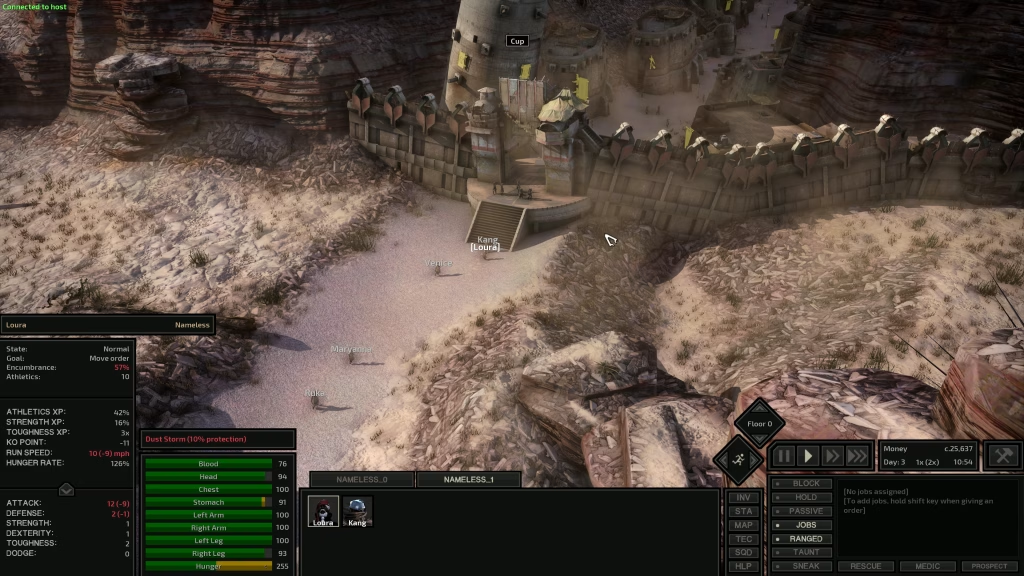
Steam Mod Collection – Kenshi Co-op
Since starting we cut down this mod pack to 59 excellent mods – worked for us, I figured I would share my mods collection with you – this is my personal refined steam collection & verified as working with the co-op for hours.
- Curated Steam Collection – Vanilla Kenshi Ultimate Form
- reKenshi Mod Pack link –
- Co-op Kenshi Mod Pack by nhoral –
The co-op mod isn’t in the collection, so grab that one from GitHub.
A few protips we discovered the hard way:
- Make sure you have the same version of Kenshi & all mods
- Make sure you have the EXACT same mod load order (put Kenshi Co-op #1 & Dust #2 – otherwise should be fine)
- Every 20 minutes or when there’s desync, host do a quick save/reload – pulls joining player automatically within seconds and keeps your connection crispy
- There’s a known co-op bug that the joining player can’t assign job orders or squad names that persist through saves – SOLVED by having host apply jobs & names! Updated October 2026: still an open bug on the mod’s GitHub, so this fix still stands.
- In reKenshi – both players set the following (Options > Mods > RE_Kenshi Settings, from the main menu or Esc in game):
- Attack slots override: ON, value 3
- Max squads / squad size / faction size overrides: all OFF
- Fix RNG: ON
- Custom game speeds: 1, 2, 3, 5
When it acts up
- “The co-op plugin has not started” – reKenshi didn’t load it. Reinstalling reKenshi usually fixes it.
- Won’t connect – both Steams need to be online (not offline mode), and each of you has to paste the OTHER player’s ID. The panel shows the ID it grabbed, so double check.
- “protocol mismatch” – one of you is on an older build. Both reinstall from the same release.
- Desync – host does the quick save/reload from the protips. Loading a save reloads both games, so the joiner gets pulled right back in.
- Friend’s game dies mid-session – if one game quits or times out, the mod can crash the other one too. The dev lists it as a known issue. Another reason to save often.
Got more than two in your crew? This one’s built for a pair, so the rest of the squad can grab something from our co-op night picker.
Until next time – our characters Loura and Maryanne are fightin’ through amnesia to discover what happened before the holy nation labor camps. Their party grows stronger and larger – one day, they may discover their true past and birth names; the world will never be the same.
Good luck out there & get lost for hours :]
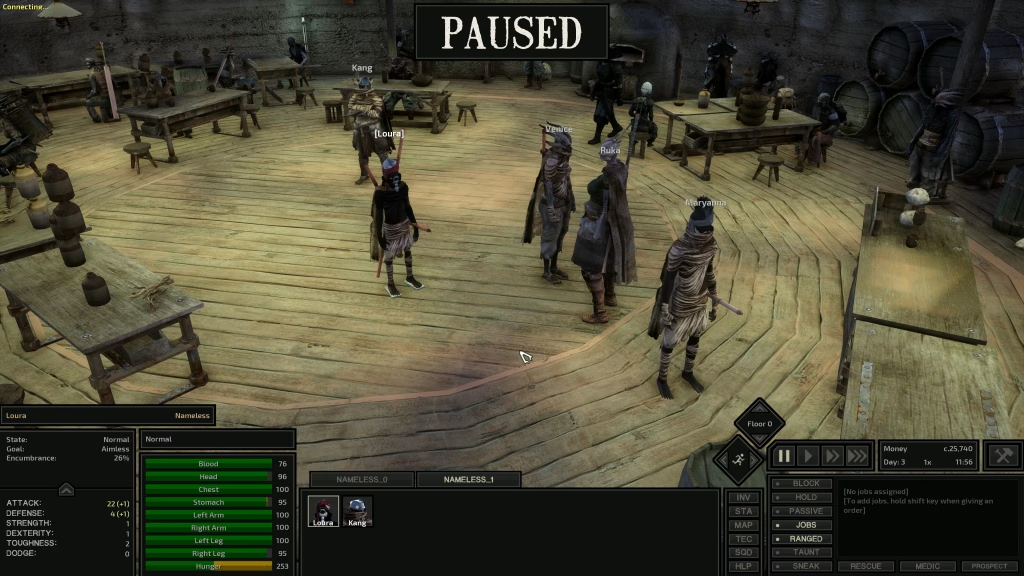
Disclaimer – The one issue we encountered so far is that our pawn’s job orders are not holding through saves. Hopefully gets sorted with future updates or we can solve independently – will keep updates rolling as we find out more – tell us if you have a solution SOLVED ABOVE! :D – share any other Kenshi breakthroughs!
Got it running? Sign the book so I know it worked
From the toolbox Open the Vault · Pick tonight’s co-op game · Meet the squad · Game night checklist · All tools →
Free
Join the Guild
The free Weekend Field Manual, dev log alerts, and guild dispatches for announcements. Zero spam.
Join the Guild





 Throw five on it